
Dump PS2 BIOS with Free McBoot
Dump PS2 BIOS Using Free McBoot (2026 Guide)

So you’ve set up your emulator, but it keeps asking for a PS2 BIOS file—and you don’t want to download shady files from the internet. Good call! The safest, most legal, and most reliable way is to Dump PS2 BIOS directly from your own PlayStation 2 using Free McBoot (FMCB). This simple process ensures your emulator runs perfectly and stays within legal limits, as you’re using your own hardware. By learning how to Dump PS2 BIOS safely, you can enjoy the best PlayStation 2 gaming experience without any risk of corrupted or unauthorized files.
This guide walks you through the entire process—hardware setup, software prep, BIOS dumping, troubleshooting, and tips for perfect results. Whether you’re a beginner or an experienced user, you’ll learn how to Dump PS2 BIOS correctly to keep your emulator stable and legally compliant. Understanding how to Dump PS2 BIOS also helps when comparing it with other systems like the PS1 BIOS, giving you deeper insight into console emulation and firmware handling.

What Is a PS2 BIOS and Why You Need It
What the PS2 BIOS Does
The BIOS (Basic Input Output System) is your PS2’s internal firmware—it initializes hardware, handles file systems, and launches games. Without it, emulators can’t mimic authentic PS2 behavior. That’s why learning how to Dump PS2 BIOS is essential for proper emulation. When you Dump PS2 BIOS from your own console, you’re ensuring 100% compatibility, stability, and legality for your emulator setup.
Why Emulators Like PCSX2 and AetherSX2 Need It
Popular emulators—PCSX2 on PC and AetherSX2 on Android—require a genuine BIOS to boot games accurately. It ensures correct region settings, controller mapping, and compatibility. To make these emulators work properly, you must Dump PS2 BIOS from your own PlayStation 2 system. By choosing to Dump PS2 BIOS instead of downloading unverified files, you maintain both performance accuracy and legal safety.
Legal Note: Only Use BIOS from Your Own Console
Sony’s BIOS is copyrighted software, which means you should always Dump PS2 BIOS from your own personal console rather than downloading it online. Sharing or distributing BIOS files taken from others is illegal and goes against emulator community ethics. When you Dump PS2 BIOS yourself, you’re not only staying within the law but also ensuring your emulator runs with the exact firmware your PlayStation 2 was designed to use.
Understanding Free McBoot and How It Helps
What Is Free McBoot (FMCB)?
Free McBoot is a memory-card-based soft-mod that allows you to run homebrew apps on a PS2—no soldering or modchip required. It loads custom ELF files such as uLaunchELF or the BIOS Dumper Utility, which helps you easily Dump PS2 BIOS directly from your console. This simple method ensures a safe, legal, and accurate backup of your PlayStation 2 firmware.
Benefits of Using Free McBoot for BIOS Dumping
Here are some perks you’ll enjoy once everything’s set up

Why It’s Safer and Easier Than Modchips
Unlike modchips, Free McBoot (FMCB) doesn’t touch the motherboard or laser unit. You simply boot from the memory card—safe, simple, and with zero risk of damaging your console. It’s the easiest way to prepare your system before you Dump PS2 BIOS, ensuring a smooth and completely risk-free setup process.
⚙️ Requirements Before You Start
Hardware You’ll Need
PS2 Console (Any Fat or Slim Model)
Works with SCPH-3xxxx to SCPH-9xxxx models.
Free McBoot Memory Card
Buy a pre-loaded card or install FMCB yourself via another modded PS2.
USB Flash Drive (FAT32 Formatted)
2–8 GB drives work best; larger drives can sometimes fail to mount.
Software You’ll Need
BIOS Dumper Utility (e.g., biosdrain.elf)
Extracts BIOS files from your console.
uLaunchELF (Homebrew File Manager)
Lets you browse memory cards and run ELF executables.
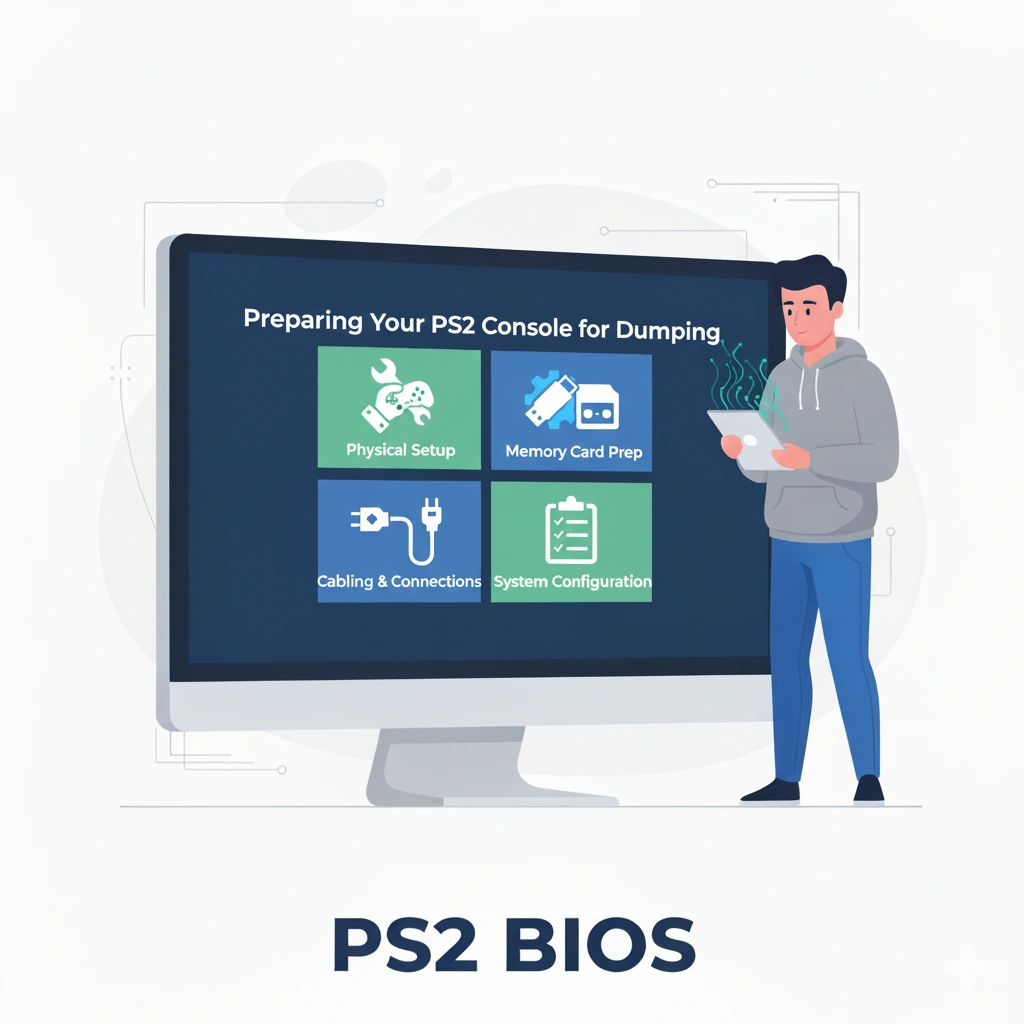
Preparing Your PS2 Console for Dumping
Let’s get you the real deal:
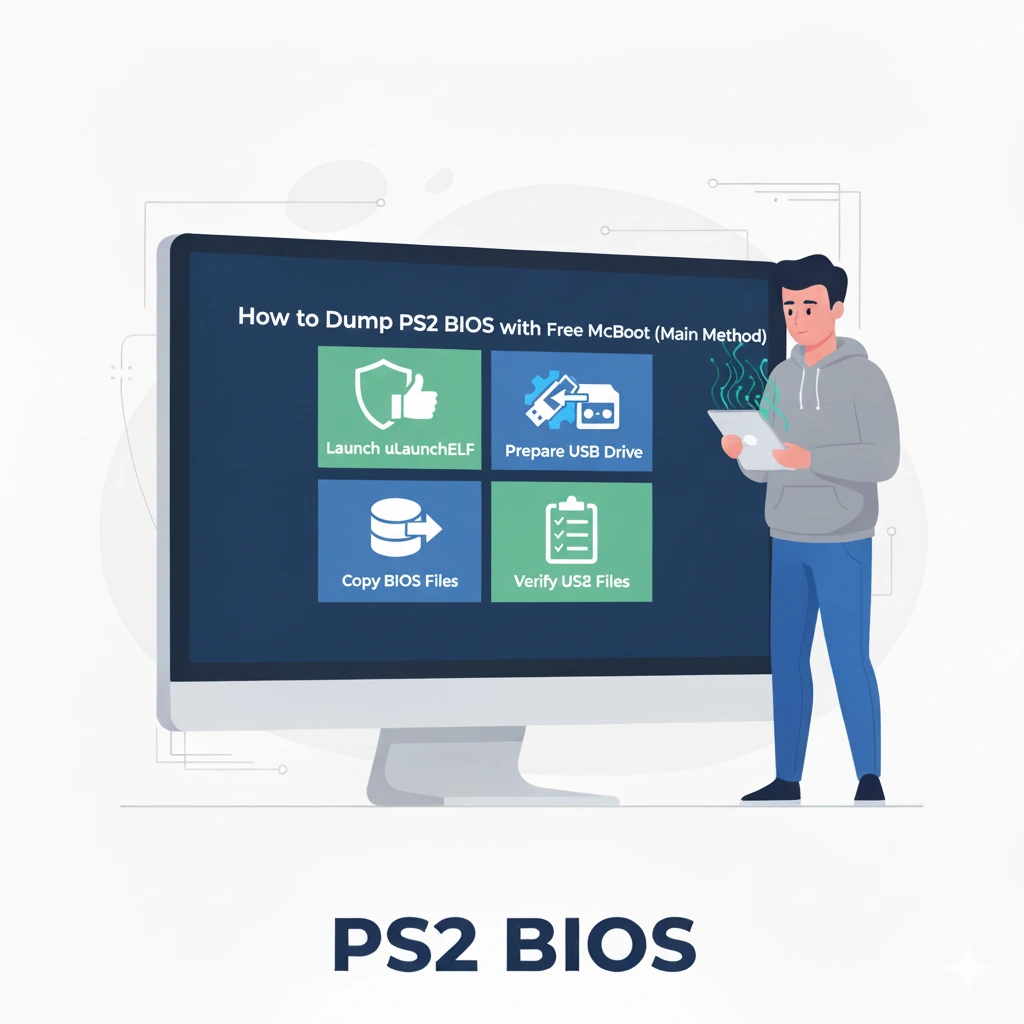
How to Dump PS2 BIOS with Free McBoot (Main Method)
How to legally use PS2 BIOS with PCSX2 in 2026?
To use PCSX2 in 2026, you must obtain a PS2 BIOS from a console you legally own. The BIOS is required for the emulator to function, as it contains essential system files needed to run PlayStation 2 games.
PCSX2 does not provide BIOS files, so users are responsible for using a legally obtained copy from their own hardware. This ensures compliance with copyright laws while still allowing accurate PS2 emulation.
How does BIOS work in AetherSX2?
To run PS2 games, AetherSX2 requires a PlayStation 2 BIOS file, which is system firmware used to boot and run games. The emulator does not include this file by default.
Users must use a legally obtained BIOS from their own console, since it is copyrighted system software.
Alternative Method (Without Modchip – Using FreeDVDBoot)
What Is FreeDVDBoot?
FreeDVDBoot is a clever exploit allowing a burned DVD to boot homebrew on stock PS2s.
When to Use FreeDVDBoot Instead of Free McBoot
If you don’t have an FMCB card, you can boot FreeDVDBoot once and then install FMCB permanently.
Steps for Dumping BIOS via FreeDVDBoot
Transferring and Using the BIOS File on PC
How to Copy the Dumped BIOS from USB to PC
Plug in the drive, open the folder, and move the .BIN file to a safe location.
Setting Up the BIOS on PCSX2 Emulator
It’s also used as a foundation for AetherSX2 (they share lineage). Wikipedia
Step 1: Move BIOS File into “bios” Folder
Locate the PCSX2 installation directory → bios folder → paste the file.
Step 2: Configure BIOS Path in PCSX2
Open PCSX2 > Config > BIOS/Plugin Selector > Browse > select your dumped file.
Step 3: Run a Quick Test Game
Load any ISO to ensure smooth booting.
Using the BIOS in AetherSX2 (Android Emulator)
FAQs
Conclusion
Dumping your PS2 BIOS with Free McBoot is hands-down the safest, simplest, and most reliable way to preserve your console’s original firmware. It keeps everything 100% legal, gives you full control over your files, and ensures perfect compatibility with emulators like PCSX2 and AetherSX2. With just a memory card, a USB drive, and a few minutes of setup, you can extract your BIOS, back it up, and relive your favorite PlayStation 2 classics across modern devices. Whether you’re building an emulator library or just future-proofing your collection, Free McBoot makes BIOS dumping easier than ever — no soldering, no risks, and no gray areas.Dumping your PS2 BIOS with Free McBoot is hands-down the safest, simplest, and most reliable way to preserve your console’s original firmware. It keeps everything 100% legal, gives you full control over your files, and ensures perfect compatibility with emulators like PCSX2 and AetherSX2. With just a memory card, a USB drive, and a few minutes of setup, you can extract your BIOS, back it up, and relive your favorite PlayStation 2 classics across modern devices. Whether you’re building an emulator library or just future-proofing your collection, Free McBoot makes BIOS dumping easier than ever — no soldering, no risks, and no gray areas.