Is PS2 BIOS Dumping
PS2 BIOS Dump Guide Using PCSX2 & AetherSX2

PS2 Dumping BIOS is the process of copying the BIOS software directly from your own PlayStation 2 console. The BIOS works as the core system software that allows your PS2 to start up and run games properly Learn more about [PS2 BIOS] for detailed info.. Performing PS2 Dumping BIOS is necessary if you want to use popular emulators like PCSX2 or AetherSX2 to enjoy your favorite titles on a PC or Android device.
Importantly, PS2 Dumping BIOS from your own console is completely legal since you already own the original hardware. Just like with PS1 BIOS and PS3 BIOS, the rule is simple — you must dump the system files from your own console. Downloading random BIOS files from the internet is illegal and often risky, as they may contain viruses or corrupted data. By dumping the BIOS yourself, you not only stay safe but also ensure an authentic and smooth gaming experience on your emulator.
🧠 What Is PS2 BIOS Dumping?
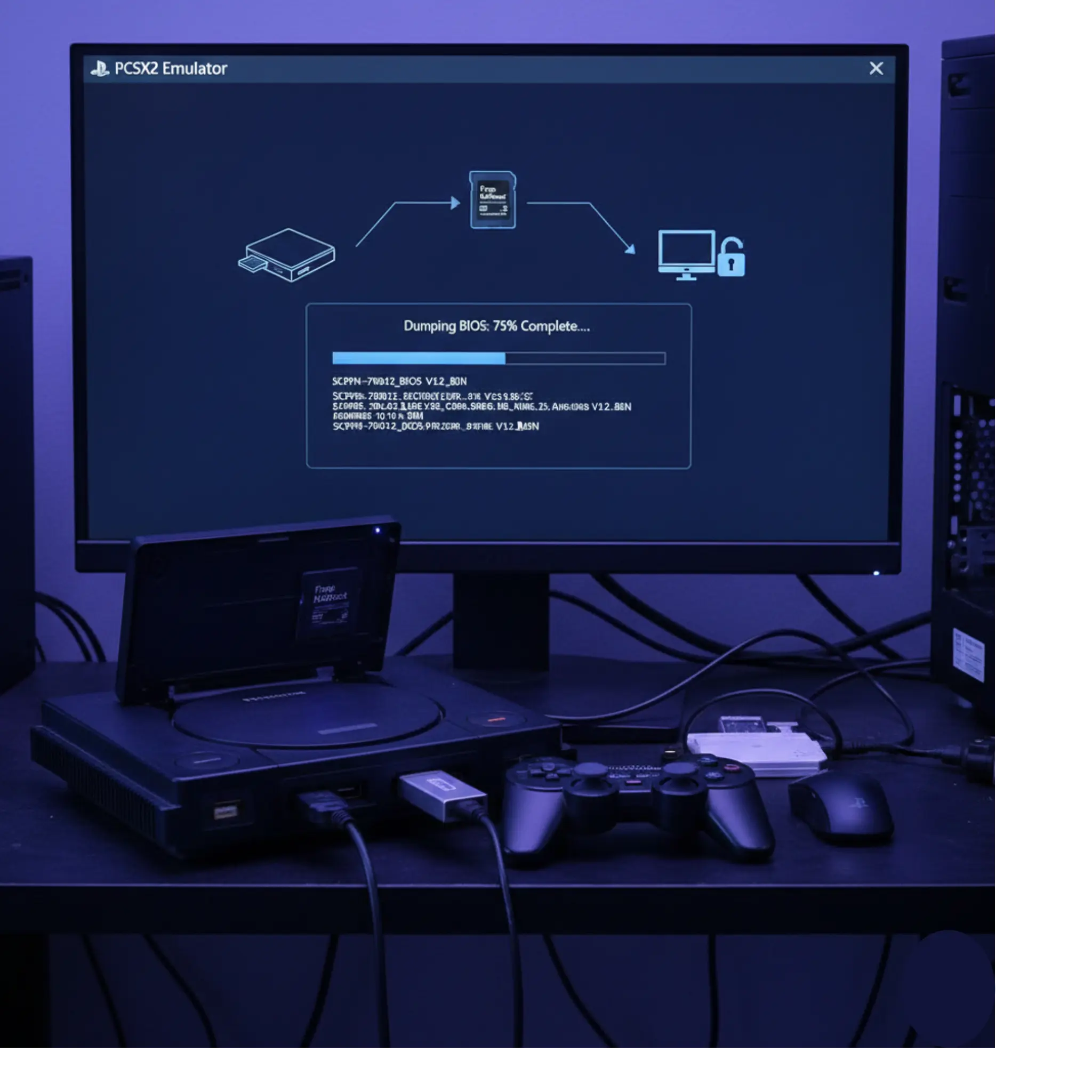
If you want to play PlayStation 2 games on your computer using an emulator like PCSX2 or AetherSX2, you’ll need to go through the process of PS2 Dumping BIOS. Think of the BIOS as your console’s brain — it tells the emulator exactly how a real PS2 behaves. Performing PS2 Dumping BIOS simply means copying the system files from your actual PlayStation 2 console and saving them as a BIOS file (often in ELF format) on your computer.
It might sound technical, but don’t worry — PS2 Dumping BIOS is not as difficult as it seems. In fact, this process is completely legal as long as you own the PS2 console you are dumping from, and it ensures your emulator runs smoothly and authentically.
Why You Need to Dump the PS2 BIOS
What You’ll Need to Get Started
Must-Have Hardware
Must-Have Software
Bonus Tools
🛠️Dumping Methods: Choose Your Way
Free Mc Boot: Easy Memory Card Method
Free DVD Boot: No Memory Card Needed
Free DVD Boot: No Memory Card Needed
Free DVD Boot: No Memory Card Needed
🎮 Setting Up Before You Start
Format Your USB Drive Correctly
Add BIOS Dumping Tools to USB
Prepare Your Boot Method
BIOS Dumping Step-by-Step
Step 1: Boot Into uLaunchELF
Step 2: Check Your USB Drive
Step 3: Launch biosdrain.elf
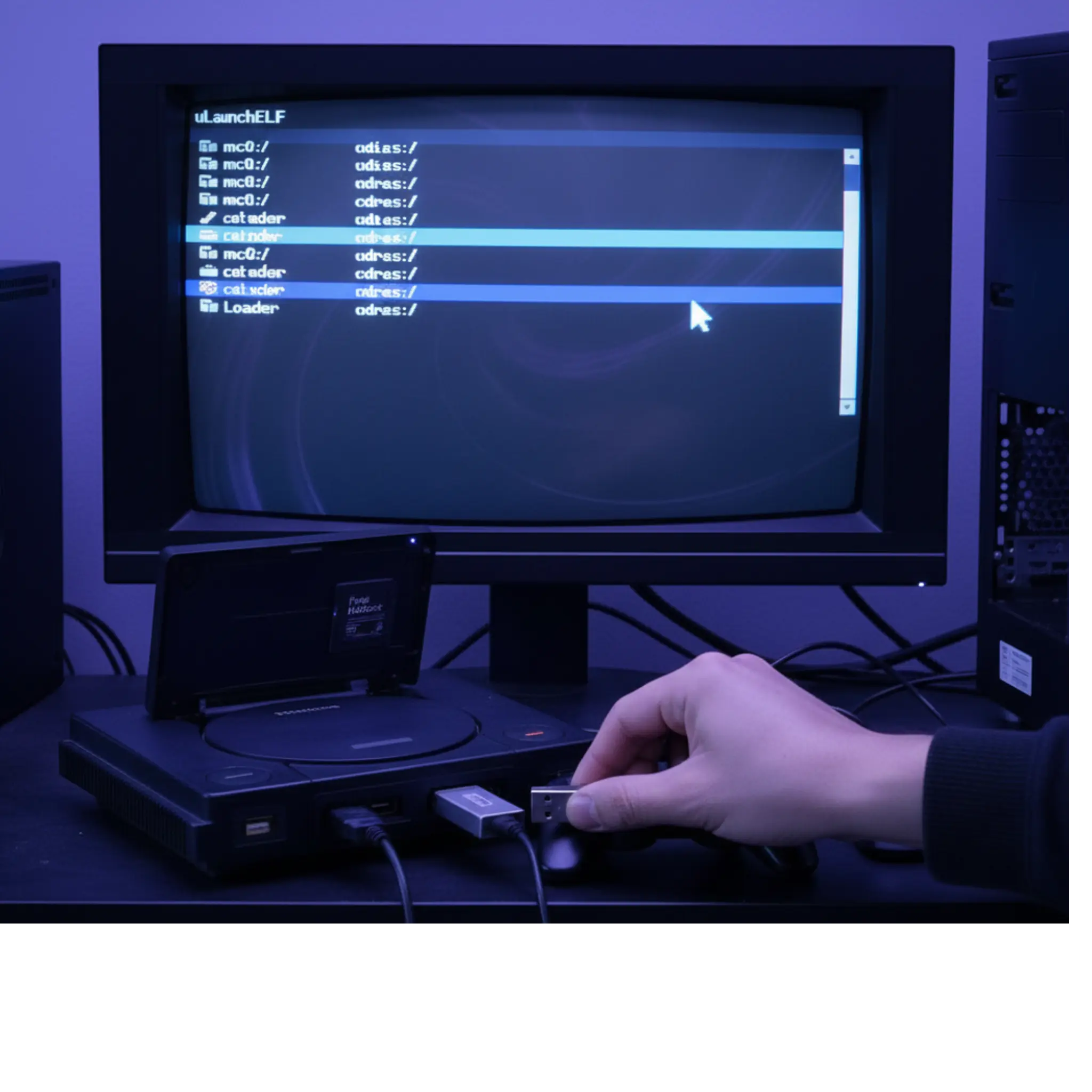
Step 4: Wait for the Dump
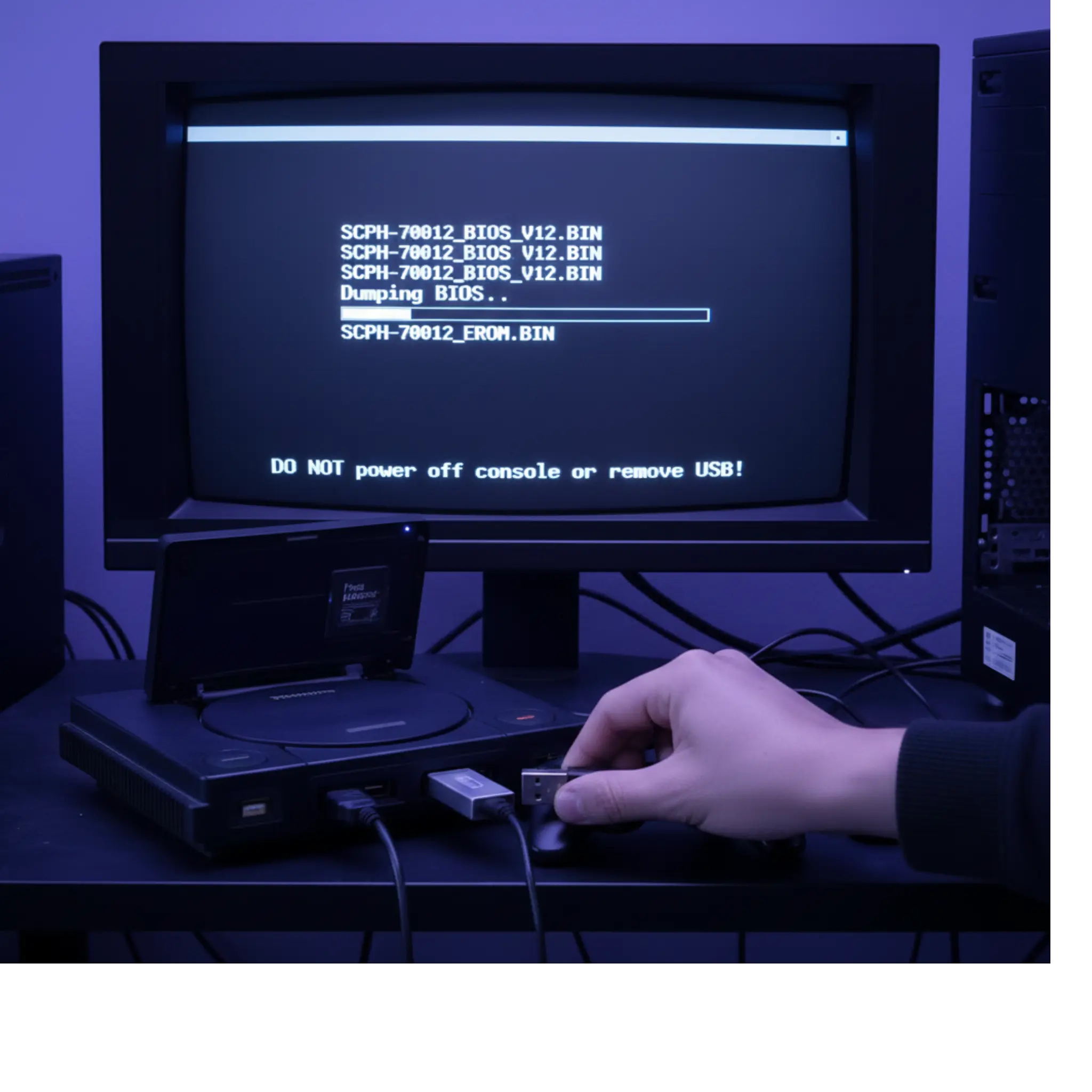
Step 5: Confirm and Save Files
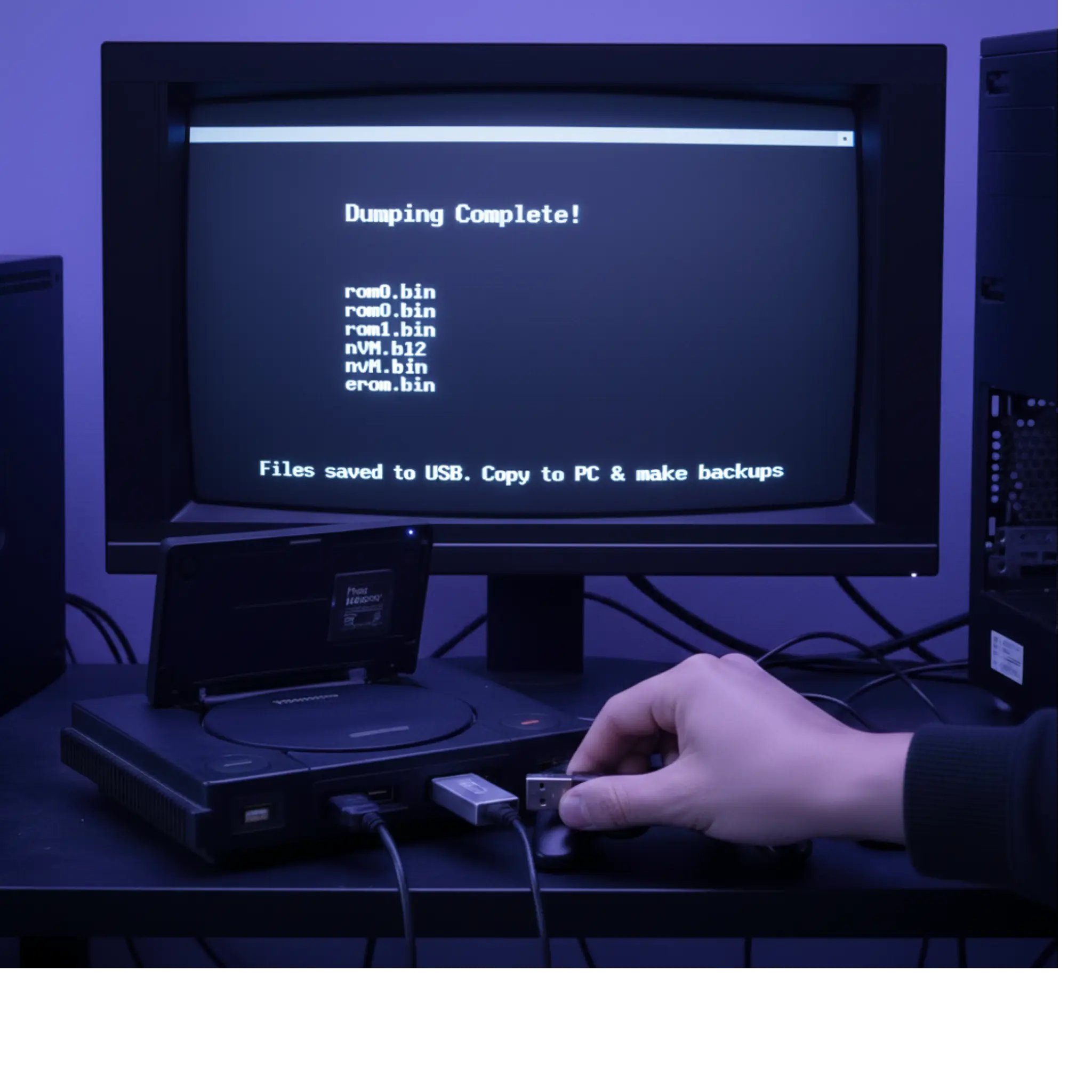
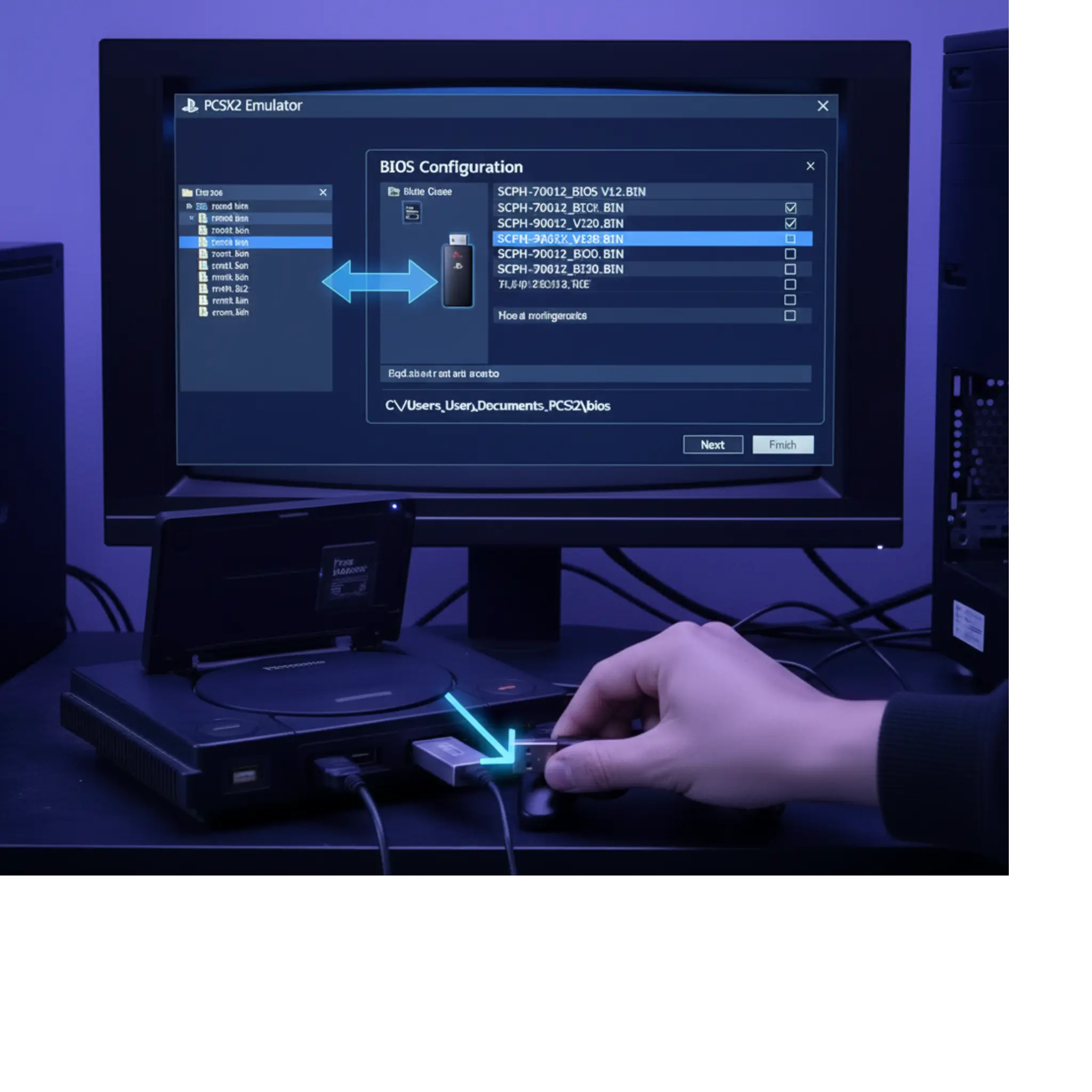
Using the Dumped BIOS in PCSX2
Organize BIOS Files
Setup PCSX2
Now your PCSX2 emulator is fully set up after completing PS2 Dumping BIOS, and you’re ready to launch your favorite PlayStation 2 games. With the legal BIOS from your own console, you can enjoy smooth, authentic gameplay while staying safe and compliant.
Troubleshooting Common Issues
USB Drive Not Detected?
SetuaBIOS Dump Fails or Files Are Corruptp PCSX2
Missing Files After Dumping?
FreeMcBoot or FreeDVDBoot Not Working?
Pro Tips for Long-Term Success
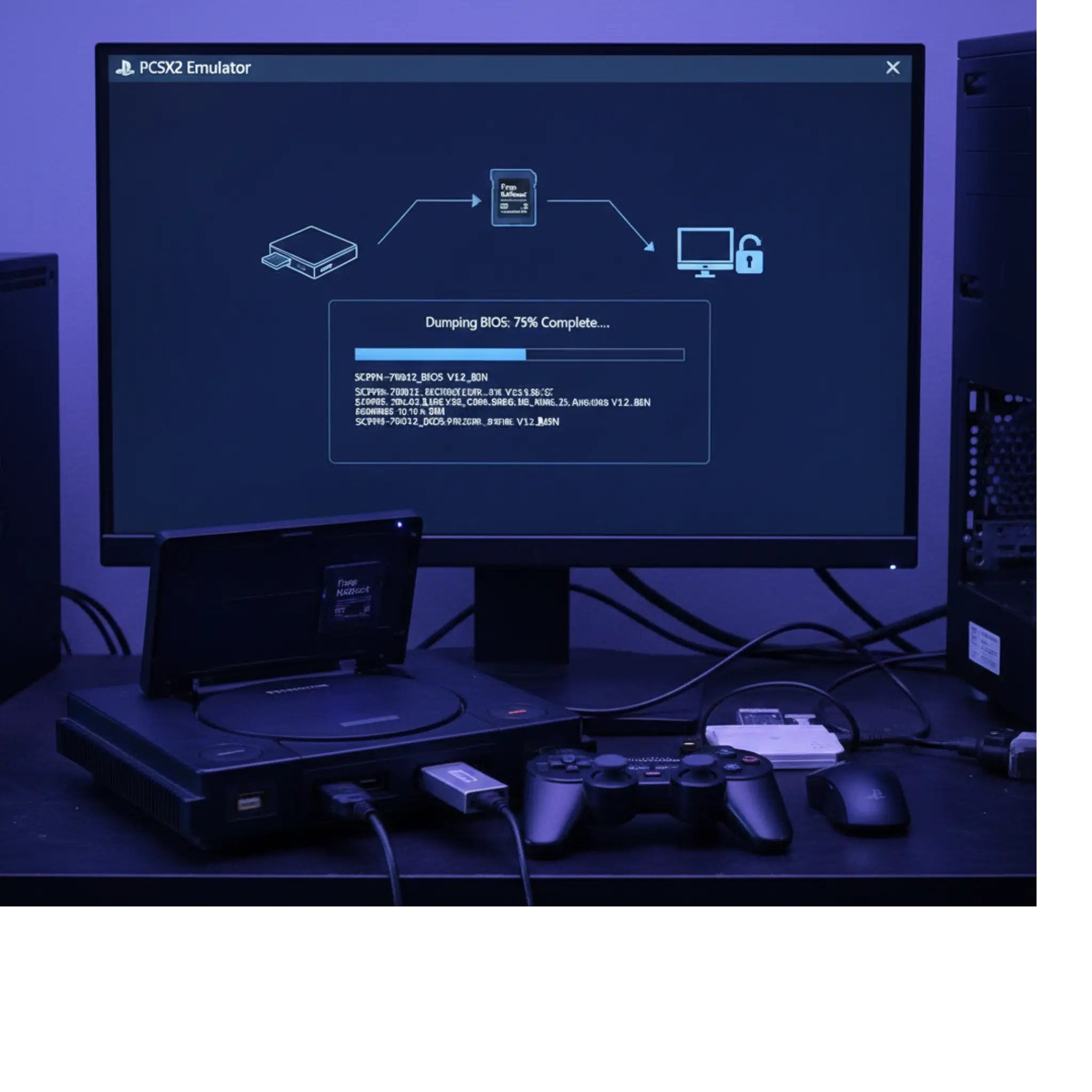
After the Dump: What Now?
Game Compatibility
PCSX2 supports a massive collection of PS2 games, making it one of the best emulators for PlayStation 2. However, to get started, you must first complete PS2 Dumping BIOS from your own console, since the emulator cannot run without it. If you run into problems with a specific game after setting up your BIOS, you can always check the official PCSX2 wiki or forums for fixes, patches, and workarounds shared by the community.
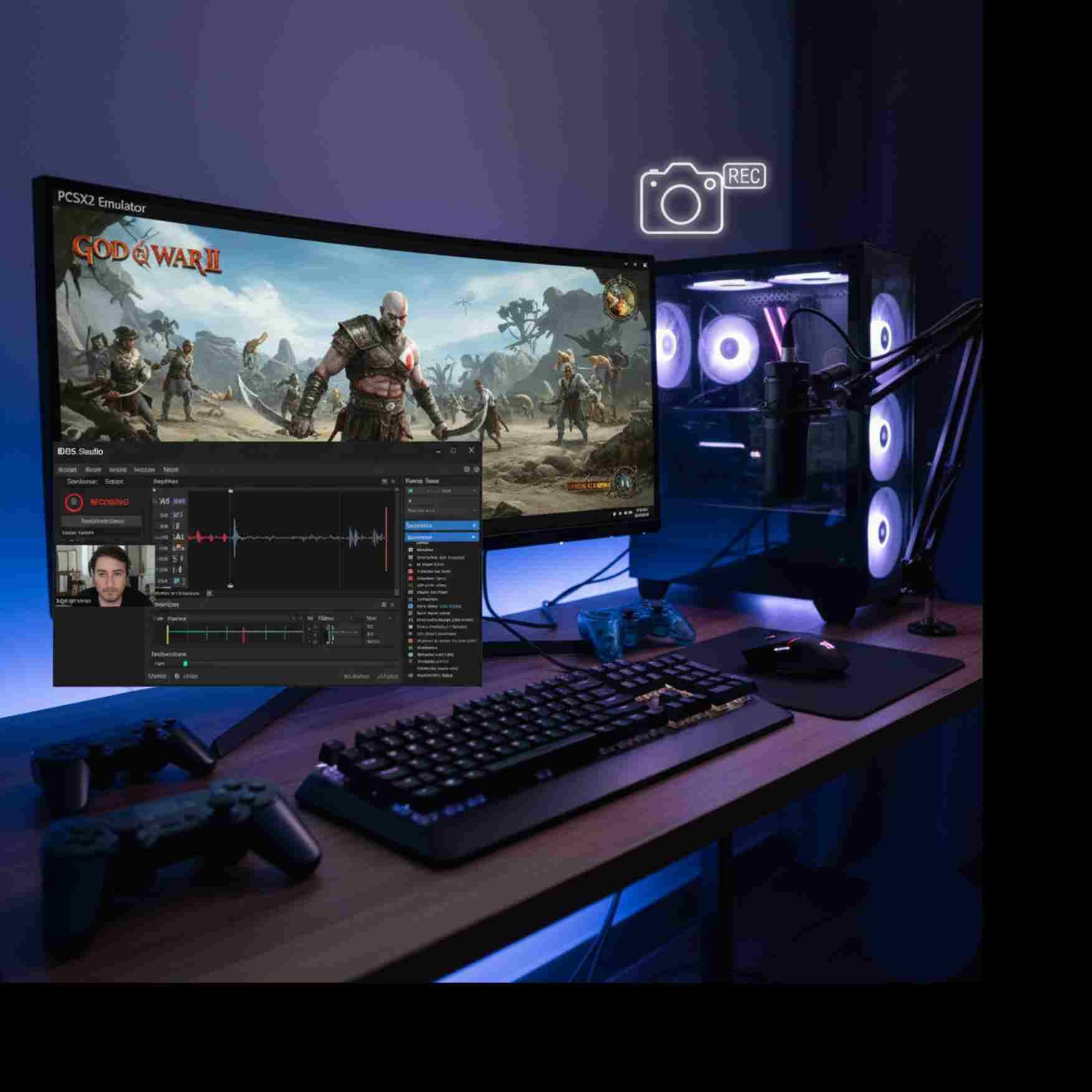
Record & Stream Gameplay
Want to share your gameplay after setting up PS2 Dumping BIOS? You can use recording and streaming software like OBS to capture your sessions directly from PCSX2. This way, you not only enjoy smooth PS2 emulation but also showcase your favorite games online with high-quality video and audio.
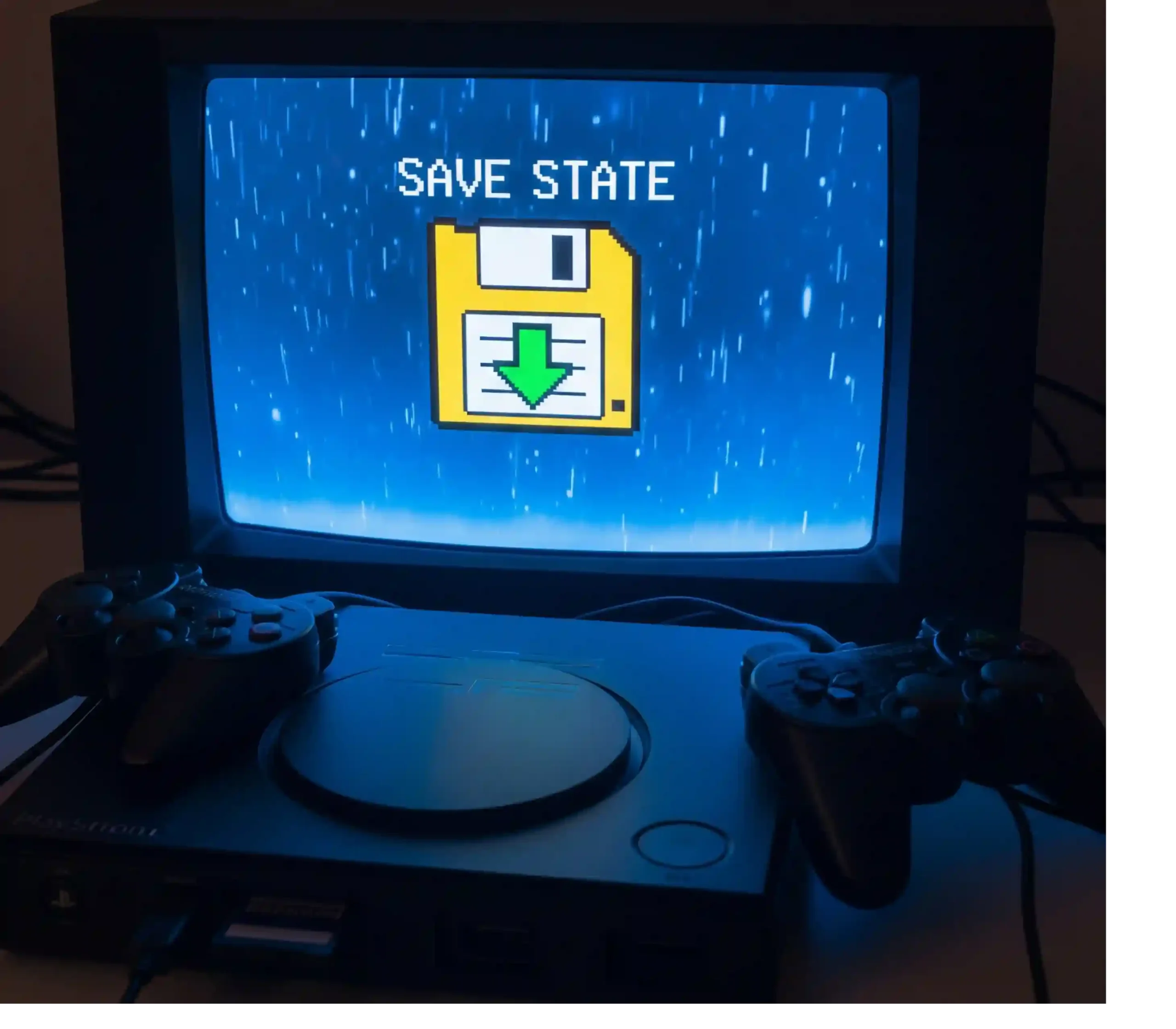
Use Save States
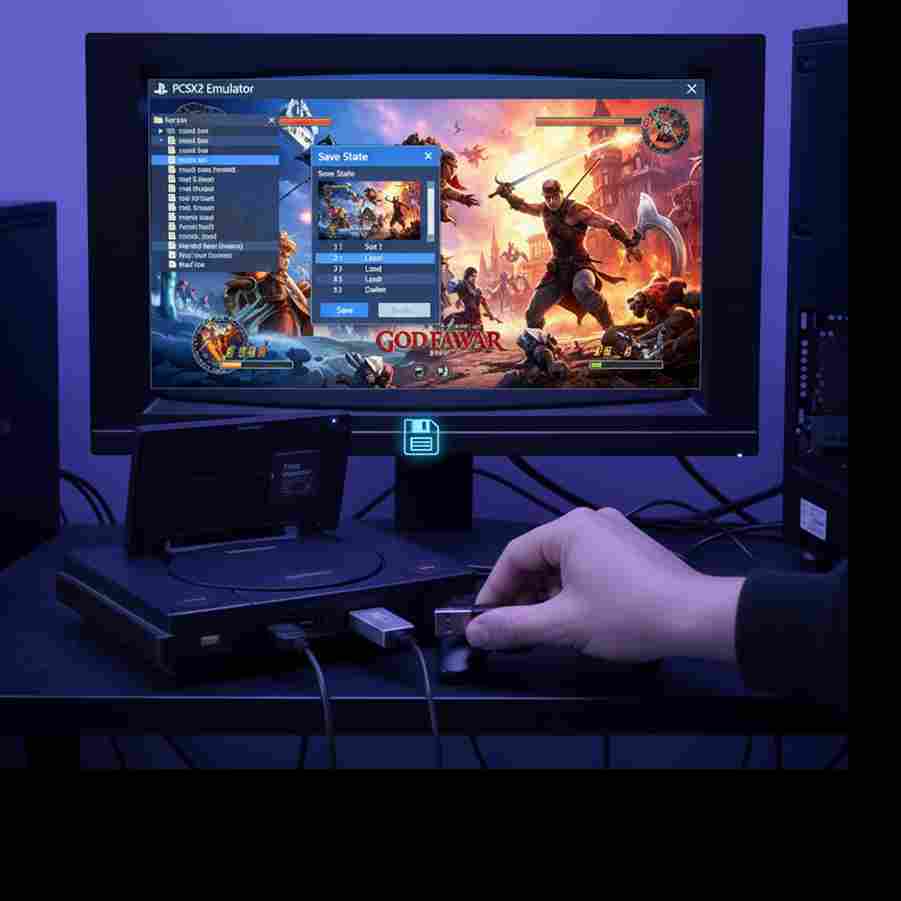
One of the biggest benefits of setting up PS2 Dumping BIOS with PCSX2 is access to modern features like save states. With save states, you can save your progress anytime, anywhere—something the original PS2 hardware never offered. This makes gameplay more flexible and convenient, especially for challenging titles.
Try Widescreen Mods, HD Packs, and More
After completing PS2 Dumping BIOS, you can enhance your emulation experience even further with PCSX2. Take advantage of widescreen hacks, HD texture packs, and customizable controls to match your play style. These upgrades bring classic PS2 games to life with modern visuals and smoother gameplay.